
A Practical Guide to Making Better Websites.
Your first website will probably look like something straight out of the 90s. Trust me — mine did too. And that’s okay. Building a good-looking website is an art form, and like any artist, you have to start somewhere.
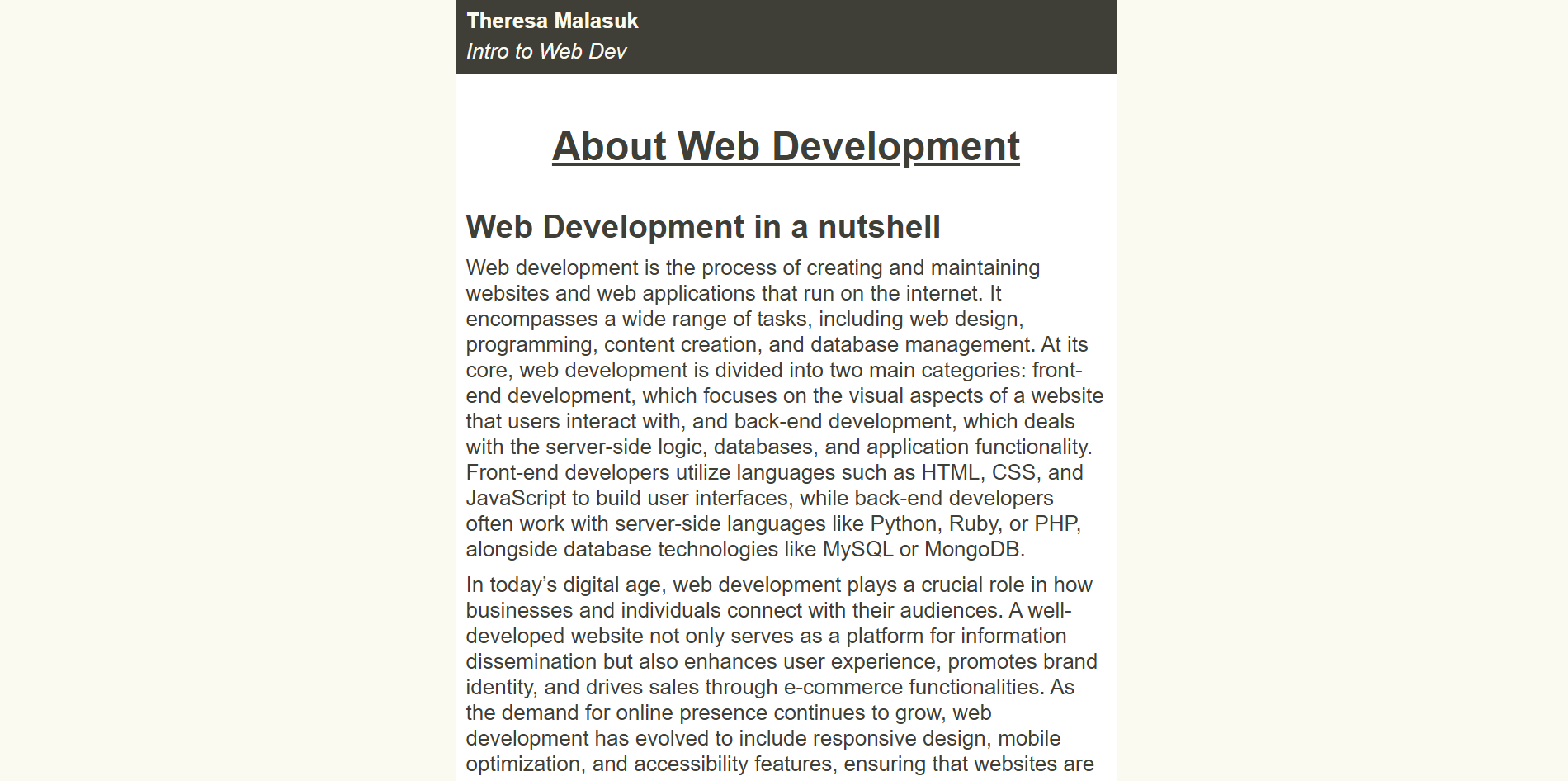
To my benefit, I had to struggle through the primordial mud of custom builds. Being completely oblivious to WordPress themes and restricted from drag-and-drop website builders like Wix or Squarespace, I aligned every pixel. Then, having spent hours agonizing over fonts, colors, and spacing, I’d have to present my tragically average website to my peers and instructors who leaned in with questions: “Is that button pressed or unpressed? Your colors don’t make it clear.” “Your margin on that element is greater on top than on the bottom — was that intentional?” As embarrassing as it is in the moment, they were valuable lessons I’m grateful for. They made me a better web designer.
So, through instruction, critiques, and personal discoveries, I’ve developed some guidelines that helps me build sites that are more than just functional.
1. Don’t reinvent the wheel
To save yourself a lot of trouble and heartache, it’s always a good idea to look at other websites and pay attention to how they communicate to the user in common ways. The placement of certain actions are always expected to be placed in certain areas. The ability to close something is usually found in the upper right hand corner. Do what a user would at would expect to reduce friction. An author that doesn’t read doesn’t make very good books.
When possible, find real world references. Recently, I’ve been working on a pantry web app that includes recipe cards. I looked for printable templates that mimicked old-timey recipe cards that were popular back in the day for storing recipes. I loved the result.
2. Don’t be afraid to get creative
You have a unique voice, use it. It really doesn’t matter what angle you’re coming from. If you’re building for yourself, you’re going to be a lot happier with the end result if it has your fingerprints on it and if you’re building for a client there’s a reason they came to you in the first place.
Yes, you should leave expected things where they are (closing things, submit buttons at the bottom of form, etc.) but look for opportunities to put your mark on a project. It doesn’t have to be over the top but there should be some distinction between your site and others.
3. Think visually
A user processes your site in stages. Your first impression is important. What will they notice first? Sometimes it’s tricky to guess. A lot of times we follow the color. Color hierarchy is important. We tend to read darker items as background noise and lighter colors as visually relevant. Text font, sizing, and color are all visual cues in what order you intend the user to read.
Imagine that everything on the page is competing for attention. The more noise you give something, the more likely it is to grab attention. Stagger the noise and create a story.
4. Keep your important content front and center
Every user arrives at your site with something in mind. They want to buy something, read something, find something, or do something. Your job is to get out of their way and let them do it.
When a user is actually using the site, make sure the “meat and potatoes” are clear and unobstructed. Keep optional items out of their way unless they need them. Give them what they want when they need it. A good rule of thumb: if you had to explain to a first-time visitor where to start, something probably needs to move.
5. Go over your spacing, then go over it again
This is especially relevant if you’re like me and your css spans the length of Lord of the Rings. It’s easy to quickly adjust padding, do a once over, and move to the next element. Dedicating some time and effort to just go over spacing can make a big difference. A user can’t really focus on the content fully when they’re distracted by weird padding, so just spend some time going over it.
Some practical advice is that related elements should be grouped and there should be a clear indication of what is separate. Additionally, give everything a bit of breathing room. You never want something touching a border or the side of the page. It creates weird visual tension.
6. Animate it!
A flat page can look lifeless. Animations, even subtle ones, give a whole new dimension to your website. Consider when an animation should happen and the degree of animation. I especially like having animations when a user interacts. A modal with a little pop-out animation is great. A nice fade when switching between tabs is an elegant touch. Clickable items really benefit from a hover effect.
But beware, a lot of really noisy animation might make the site feel off-putting and remember, everything is competing for competition. I recently made our business website and wanted to showcase some animations. I went a little overboard and even animated the cursor. After getting some input from others, it was agreed it was a determent to the site instead of a valuable feature.
5. Get opinions and fresh eyes on your project
It’s easy to get tunnel vision and even without tunnel vision there are simply things you won’t think of. Before you ship anything its a real benefit to get some critiques on it. Something might look perfect to you, but unless you’re the only one ever looking at your site (I mean kind of defeats the point of the web, right?) then you must consider other point of views. Be open to criticism. If you don’t understand why someone feels negatively about a certain way you did something, ask for some questions about it in an open and honest way.
6. The last 10% of the work is the last 90% of the work
It’s exciting to be close to finishing. You’ve worked really hard and your “almost” ready to launch your project. But, fight your instincts to push. Mobile, table responsiveness is non-negotiable. SEO technical implementation isn’t something to ignore. It’s a bummer if the hard work you’ve put into it won’t be seen or used by anyone.
Additional reading and resources…
Here are some extra reading and resources shared with me.
